Example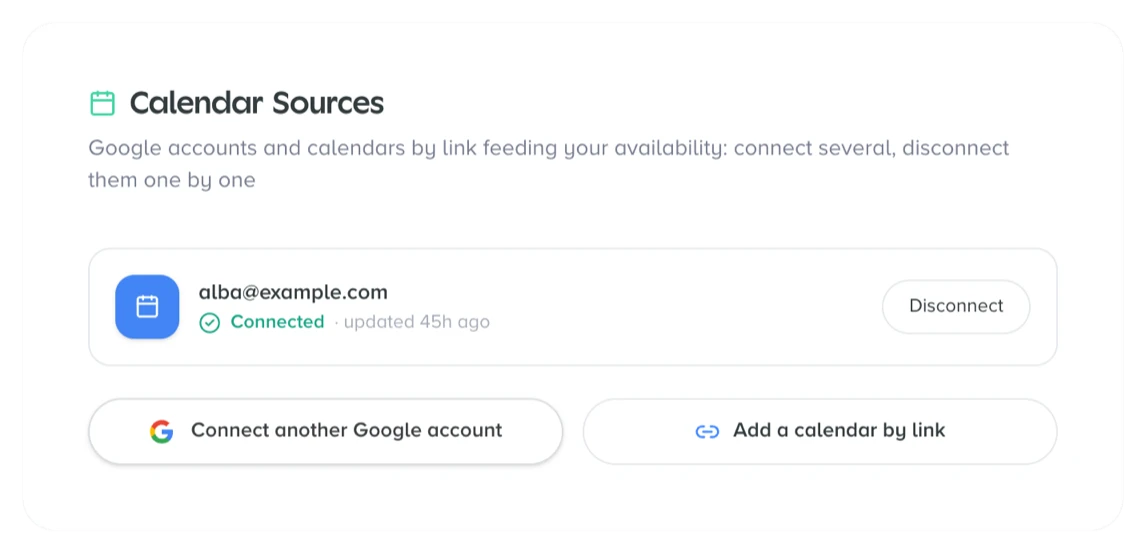
1Your calendars
Google Calendar, with several accounts if you need them, and any calendar that provides an ICS link. They add up, and you tick the ones that count.
Share your availability with your clients.Calenda automatically turns your calendar into availability, and you choose who you share it with.
 Google Calendar
 Apple iCloud
 Outlook
 Fastmail
Three settings when you sign up. After that, Calenda reads your calendars again on its own. Google Calendar as soon as an event changes, other calendars every 15 minutes.
Google Calendar, with several accounts if you need them, and any calendar that provides an ICS link. They add up, and you tick the ones that count.
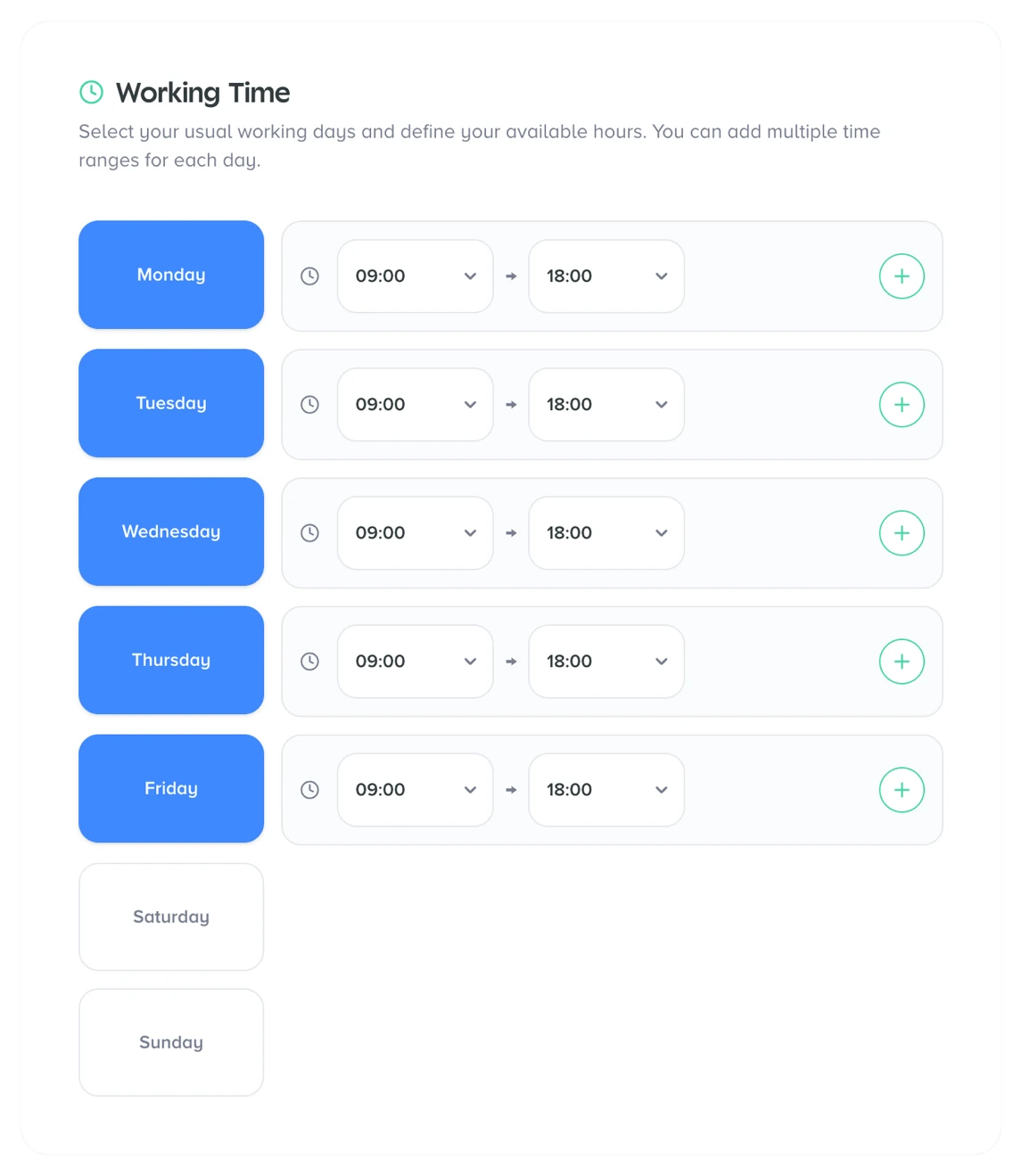
Your working days and hours, with several time ranges per day if you need them. The percentage is calculated on that time.
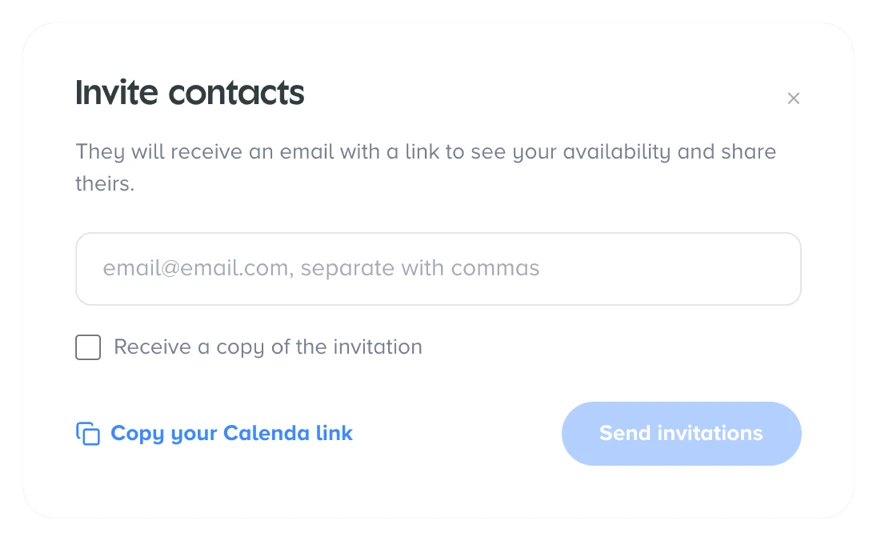
Your page lives at calenda.io/you. Invite your clients by email, up to 20 at a time, or copy the link.
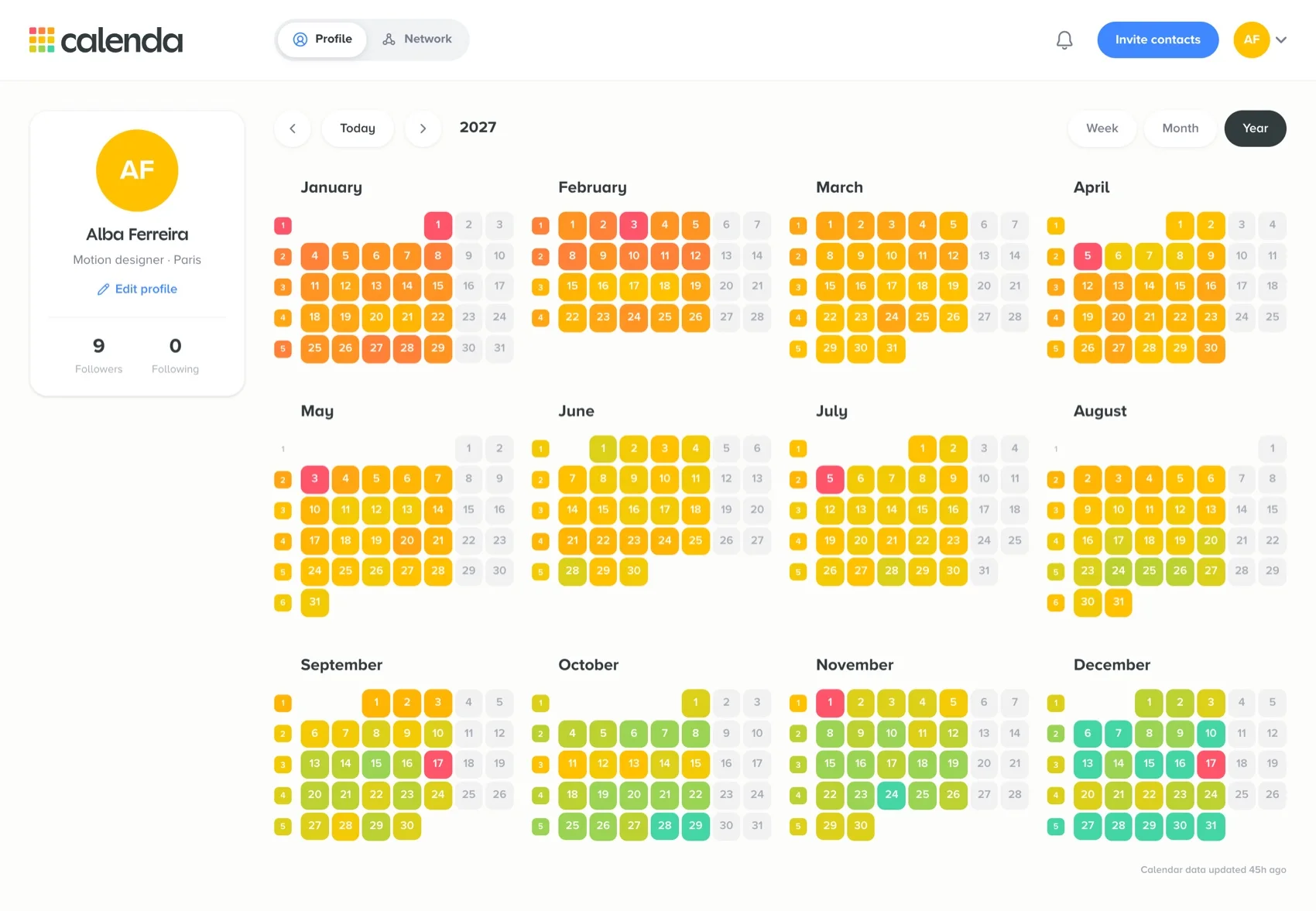
For each working day, your page shows a percentage and free hours. In the Week view, free and busy time appear with no title, no attendees and no location.
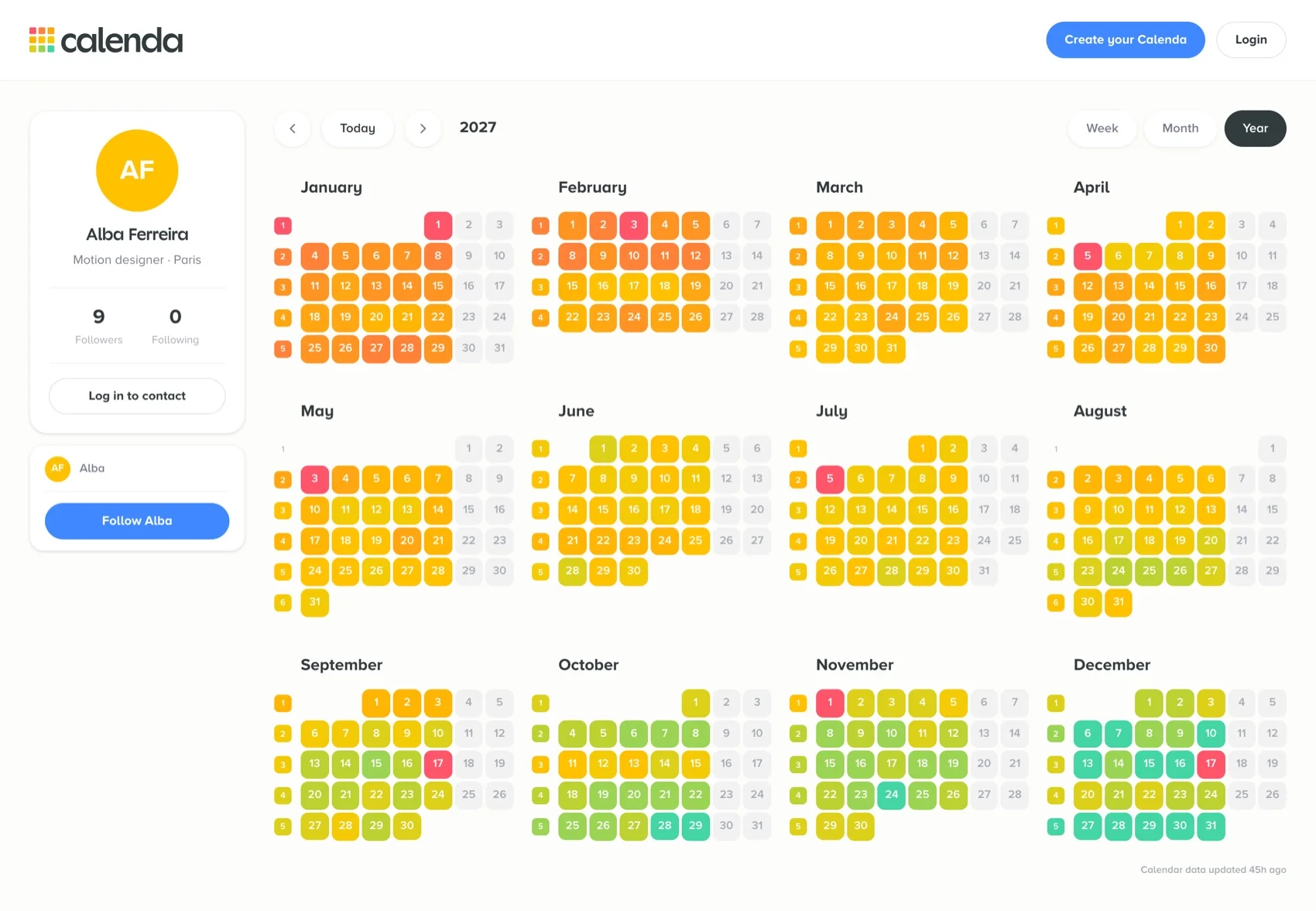
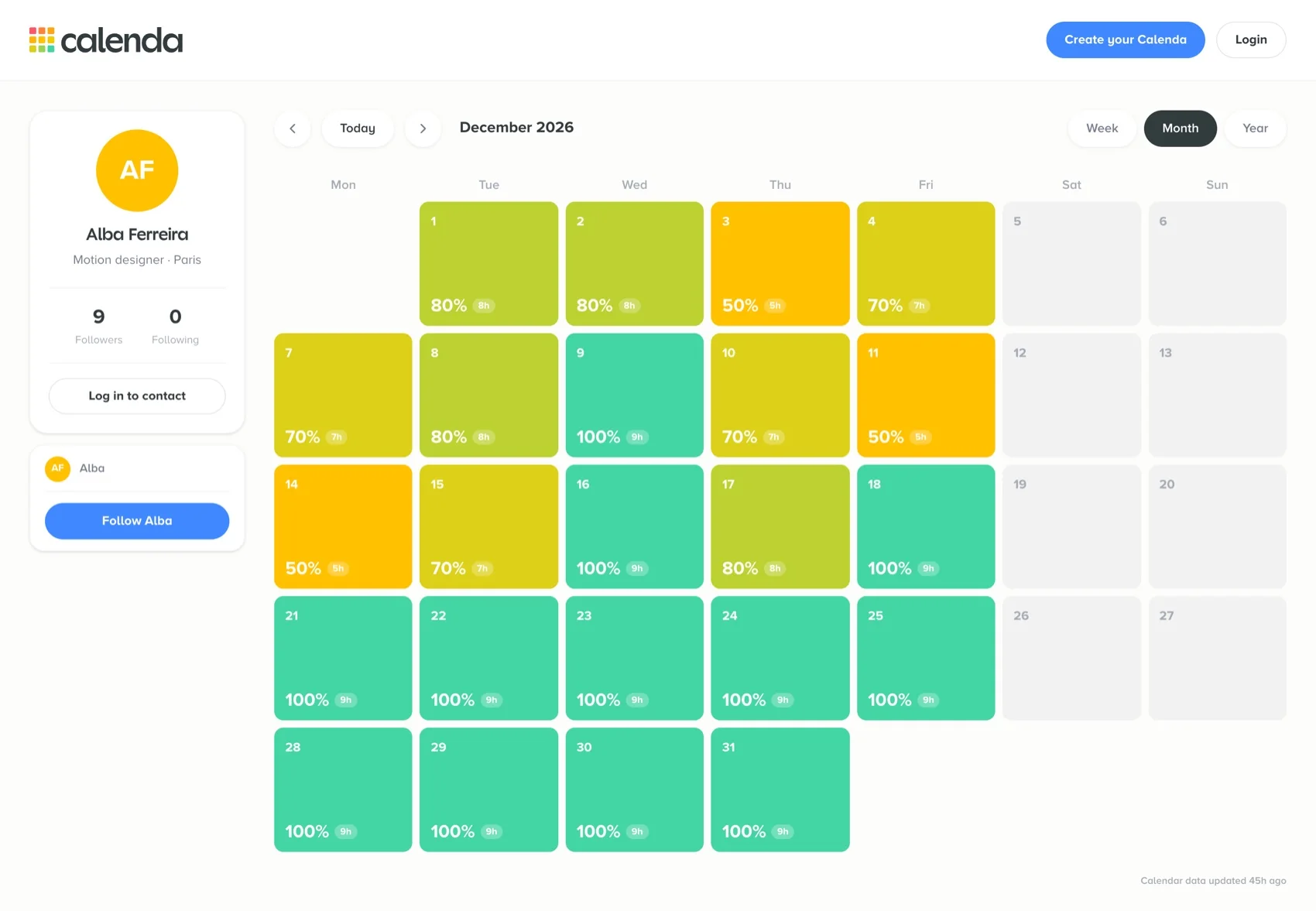
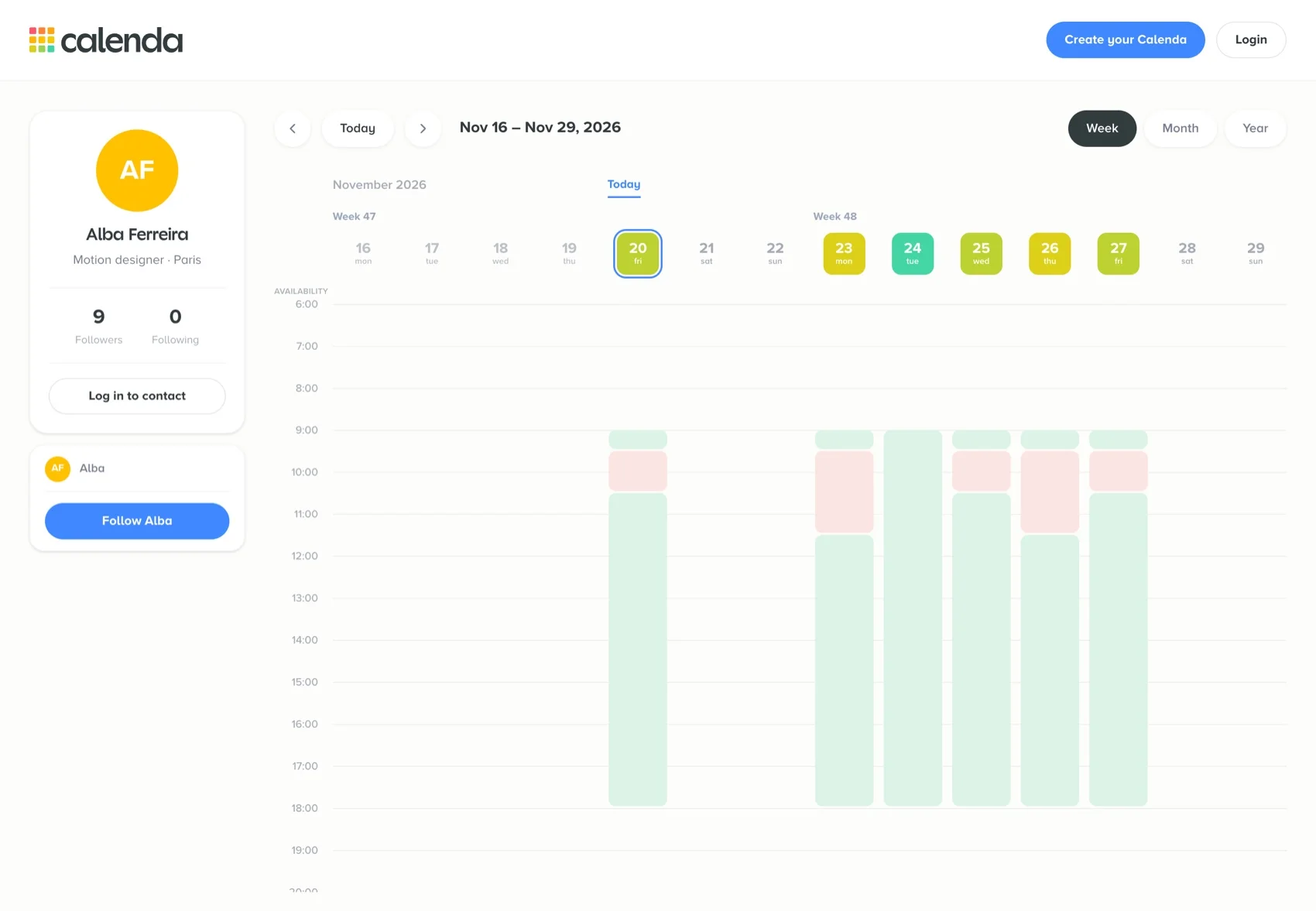
The public page, as a visitor sees it.

“The link is on my portfolio. Clients arrive already knowing my slots: conversations start with ‘when’, never with ‘if’.”Léa Marchand · Illustrator
A client who follows you sees your next 30 days on their Network screen, next to the other freelancers they work with. They can also set an alert for when you free up.
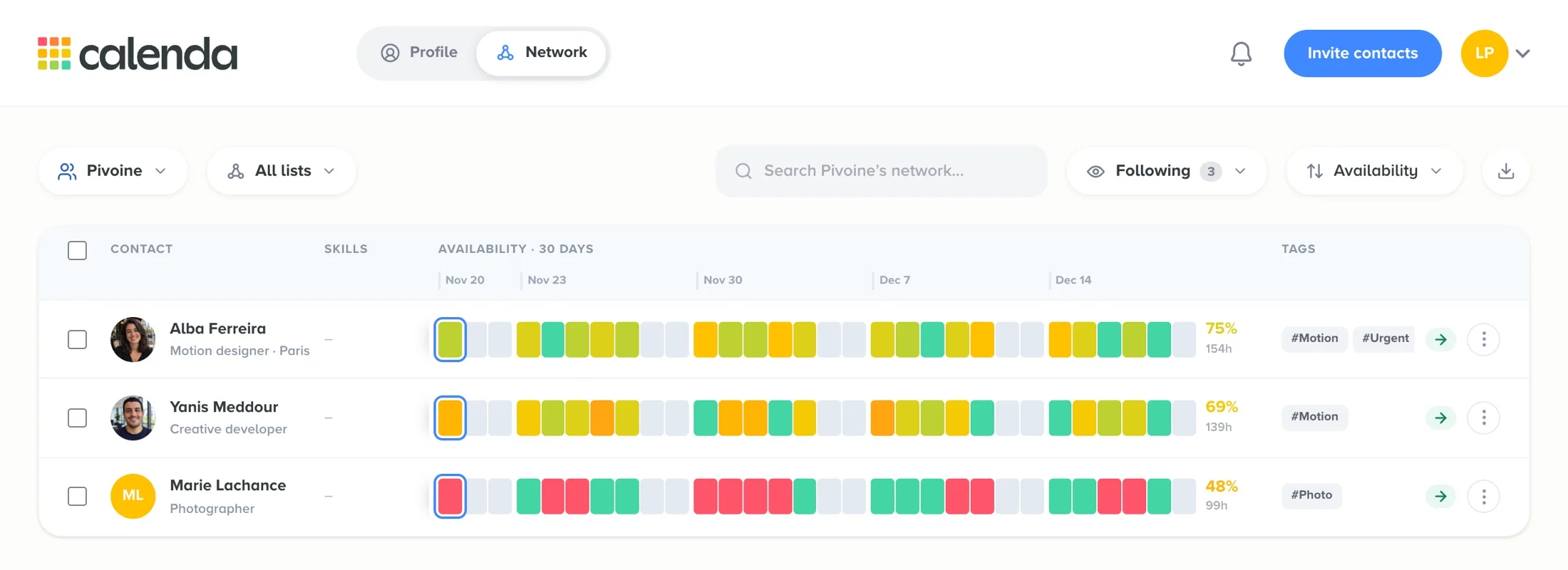
What a client who follows you sees. The people and their availability are fictional.

“My clients don’t ask if I’m free any more. They look, they call. And I haven’t opened Calenda in three months. That’s exactly the point.”Thomas Renaud · Front-end developer
One slider, four steps. The setting applies everywhere at once, on your page, in your followers’ network and in shared lists.
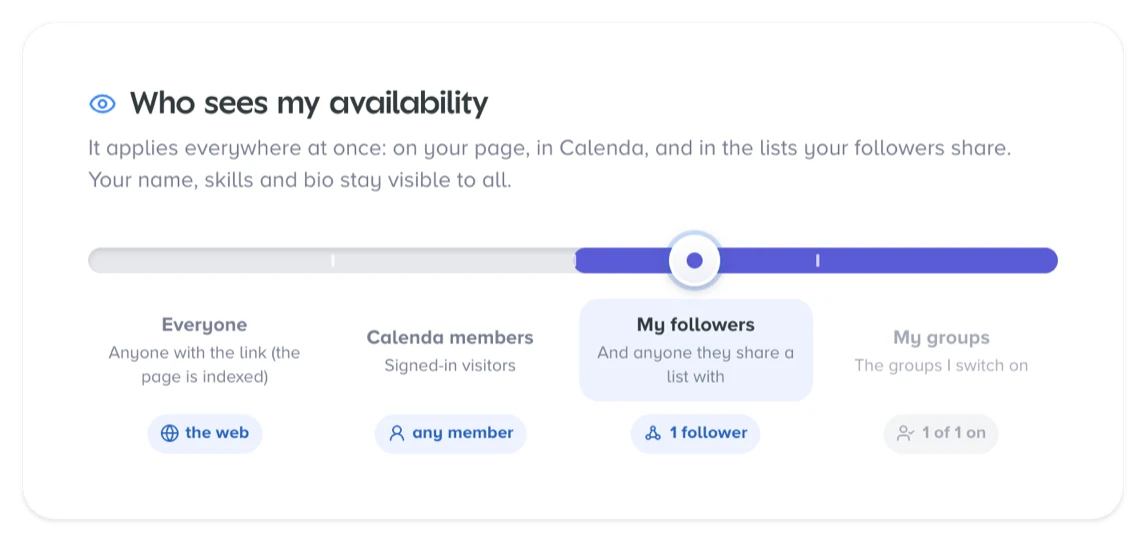
Sharing your availability costs nothing, with no time limit. The companies that follow a large network are the ones who pay.
Your page, your calendars, your invitations and your followers, with no limit. That’s the model, not a launch offer.
Calenda takes nothing from your work. You deal directly with your clients.
Calenda isn’t a marketplace. Your clients stay your clients.
No. Calenda stores when your busy slots start and end, nothing else. Titles, attendees, descriptions and locations are neither read nor stored.
It’s your free time divided by your working time for the day. On a 9-hour day with 3 hours busy, 6 hours are left, which is 66%. Calenda rounds down to the nearest ten and shows 60%.
Create an all-day event in your calendar. That day drops to 0%. You can turn this off in your settings. Days you don’t work are grayed out.
With Google Calendar, your page updates as soon as the event changes. Other calendars are read again every 15 minutes. The page shows when it was last updated.
Yes. Several Google accounts and as many ICS links as you like, work and personal alike. Calenda adds them up into a single availability, and you tick the calendars that count.
No. Calenda shows your availability, it doesn’t take bookings. Your client writes to you or calls you.
Nothing. Sharing your availability is free forever, and Calenda takes no commission on your work.
Connect your calendar, choose your address, invite your clients.